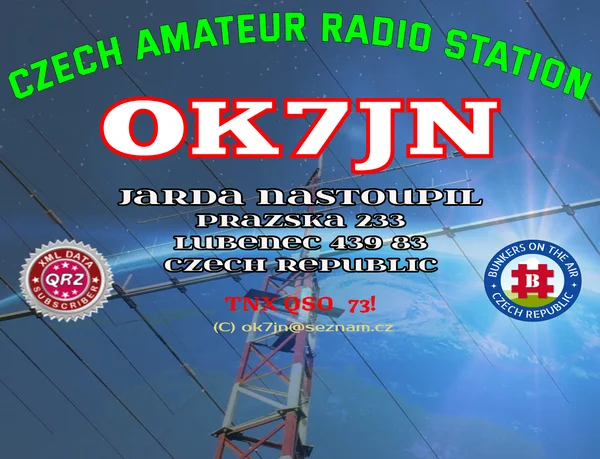
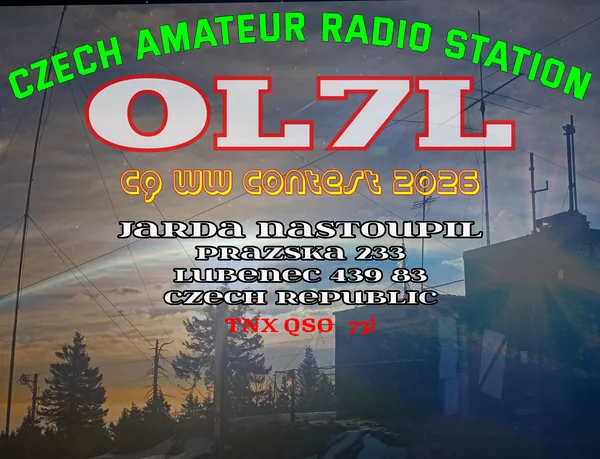
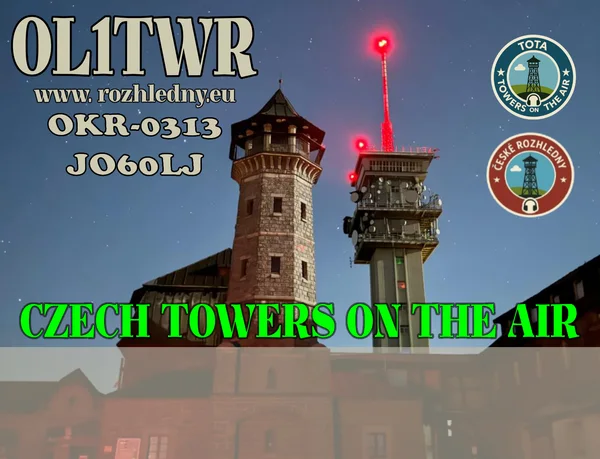
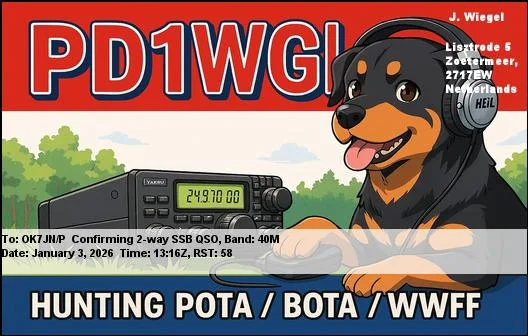
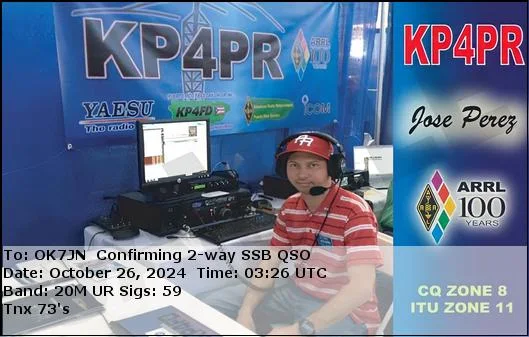
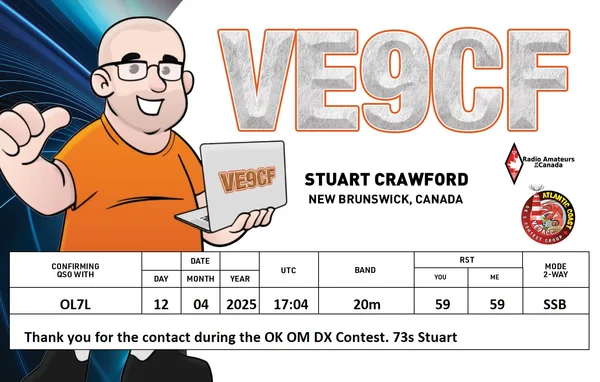
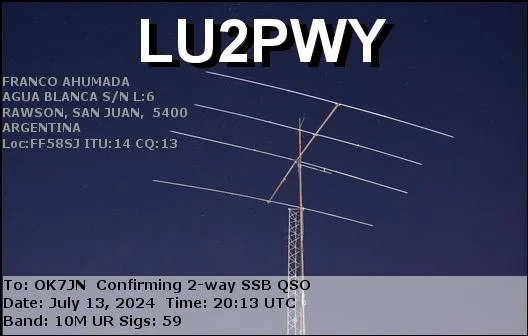
OK7JN
Česky

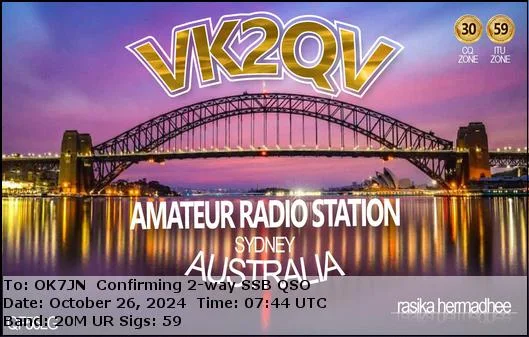
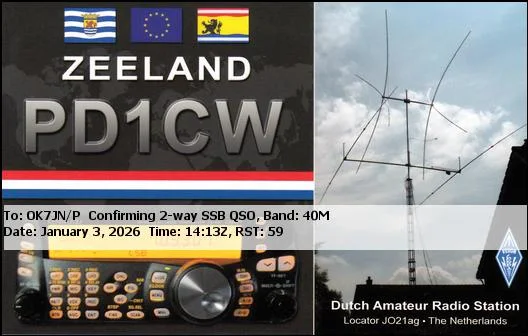
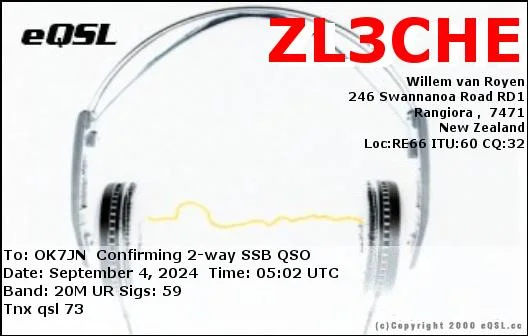
QSL Request

Enter callsign and email. You will receive your QSL as a PDF attachment.

🔐 Email verification important

Enter your callsign, select a date range and your email.

Click Load QSOs – after verification, your QSO list will be loaded.
You can send one or more QSOs (button in row or Send selected).

To send an eQSL, your email must match the one you have listed on QRZ.com or in TOTA/BOTA (etc.).

🔎 Before sending, the email is automatically verified against the database. If it doesn't match, eQSL will not be sent.

💡 Tip: use Preview before sending to check details and QSL layout.

Sending is temporarily disabled — for now just pick your QSO (UTC).
QSO (UTC)
Date Time Call Band Mode RST S/R Reference Notes My Call Detail ✉️ Náhled
Times are always in UTC (same as ADIF: QSO_DATE + TIME_ON). Select the rows you want on the QSL. If you select none, the request is saved without a selection (admin can choose later).